Planogram compliance from one shelf photo: a how-to for trade teams
05/10/2026
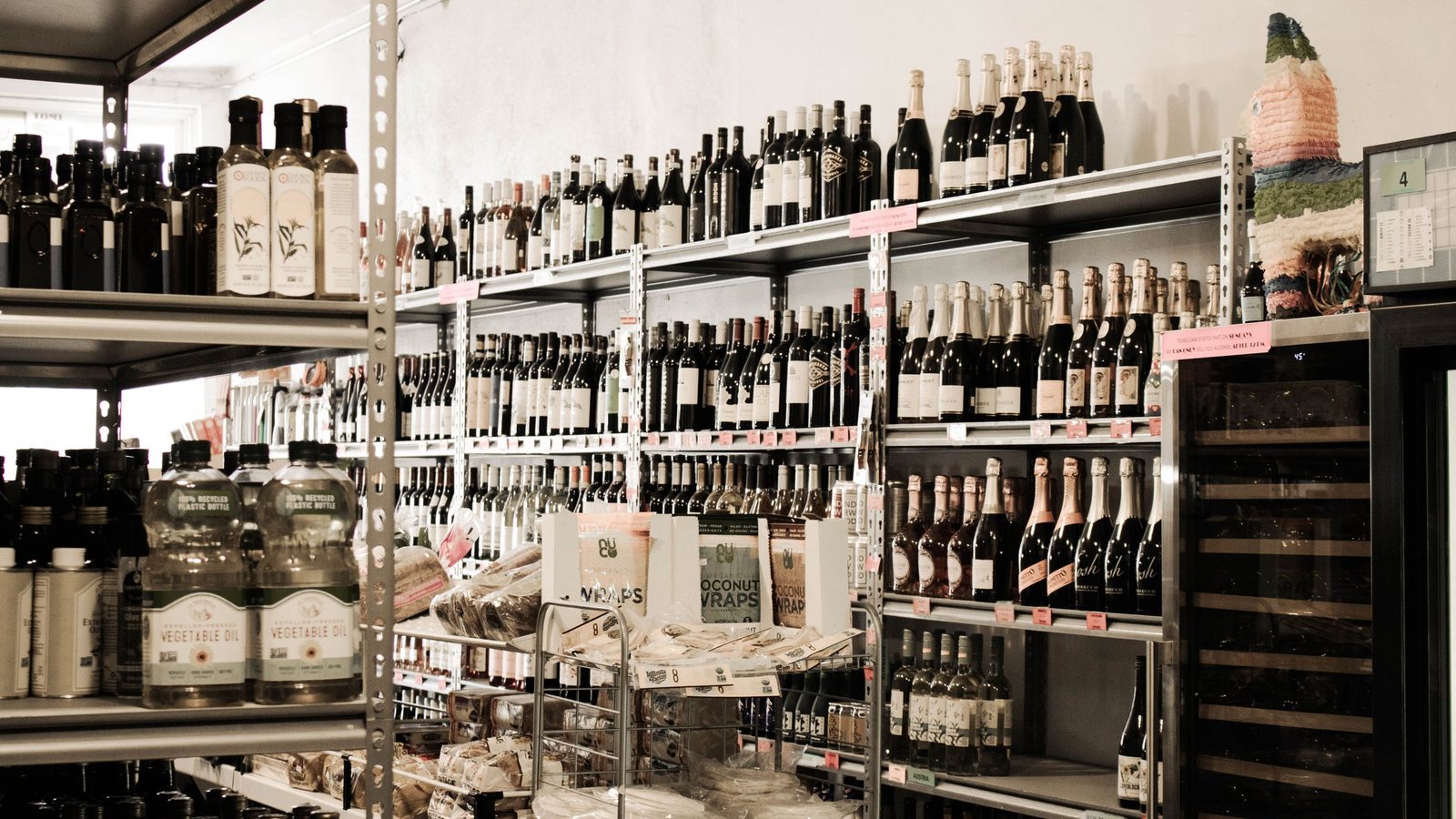
Every consumer goods company has shelf photos. Often a whole hard drive of them, sorted into folders by month, by region, by the name of the field rep. What's missing is the answer to one short question in the start-of-week meeting: how many stores actually achieved planogram compliance last week? Everyone knows the answer is somewhere in that pile of photos. Nobody has time to open them one by one and count.
This piece follows a single photo taken at the point of sale along its route: Capture, Scan, Recognize, then a Pass or Fail result. That's also the flow VTraks uses. I'm writing for trade marketing and sales ops people, the ones who have to turn a display program on paper into something that can be measured and fixed.
Before anyone shoots: the planogram has to be data
It sounds backwards, but the most decisive work happens before anyone raises a phone. AI can only score a shelf if it knows what a “right” shelf looks like. If your planogram is still a design file sent by email with a note saying “middle shelf, push the new flavor”, the machine has nothing to compare against.
The VTraks planogram platform lets you configure thousands of planograms and apply them automatically by time, location and store. Picture a six-week Lunar New Year display running in city-center convenience stores while small provincial grocers keep their everyday layout. Once the rules are in place, a photo taken in a given store on a given day is compared with the right layout for that store and that day. Nobody has to remember. Nobody has to look anything up.
Two small tips here. Write planograms so they can be measured: “make it stand out” can't be scored, while “four facings, eye-level shelf, next to the core range” can be scored right away. And decide who updates the layout when a program changes. Without a specific name, the planogram in the system slowly goes stale, and the AI will score very accurately against something that is already wrong.
Capture, Scan, Recognize: where the photo goes
Capture: a good photo is a complete one
The photo doesn't need to be pretty. It needs to be complete. Stand square to the shelf, get its full height, and don't let a cart or a shopper block half a tier. If the run of shelving is long, don't squeeze it into one frame. VTraks accepts a scan batch of up to 200 photos for a single audit, and each item is counted only once even when it lands in two neighboring shots. Reps simply shoot from left to right, with no stitching by hand.
Scan and recognize: from pixels to a SKU list
The AI identifies every SKU on the shelf: which product, where it sits, how many facings. According to figures published on vtraks.com, each image is processed in under one second with 99.97% accuracy. Nice numbers, but what I value more is consistency. Someone auditing at 4 p.m., thirty stores into the day, counts differently than they did at 8 a.m. The model doesn't get tired.
Scoring: Pass or Fail, down to each facing
The SKU list is set side by side with the planogram that applies to that store. The output is Pass or Fail for each display, with detail down to facings and position. A soft drink shelf can fail just because the new flavor was pushed down to the bottom tier, even though the total facing count is fine. That's exactly the kind of miss a human eye skimming photos lets slip.
Turning Pass and Fail into work that gets done
Compliance data only has value when someone acts on it. A few uses worth trying:
- Fix it while still in the store: if the result comes back while the rep is still at the shelf, rearranging a few facings takes a few minutes. Coming back next week costs a whole trip.
- Look by region before looking at people: every store feeds one data lake, and live dashboards show which areas the misses pile up in.
- Separate layout errors from stock problems: recognition results also report on-shelf availability. A shelf that fails because it's empty is a supply chain issue, and blaming the field rep won't fix it.
- Change what gets projected in the meeting: instead of the fifty best-looking photos, open the list of stores that have failed several weeks in a row.
If you want to see how these pieces fit together as one product, the VTraks overview on aivgroups.com covers it all, from the planogram platform to photo fraud detection and competitor intel.
Limits worth stating up front
AI can't score what it can't see. Backlit photos, shelves hidden behind boxes, cooler doors fogged with condensation: results get worse, and that isn't the algorithm's fault. Put photo standards into training instead of leaving everyone to guess.
Pass or Fail is also just a signal, not a verdict. A store that fails three weeks in a row may have rented that exact spot to a competitor. The AI's job is to point out the gap, quickly and consistently. Sitting down with the store owner is still a human job, and I think it should stay that way.