What Is Speech-to-Speech? Voicebots That Listen, Think and Talk Back
05/10/2026
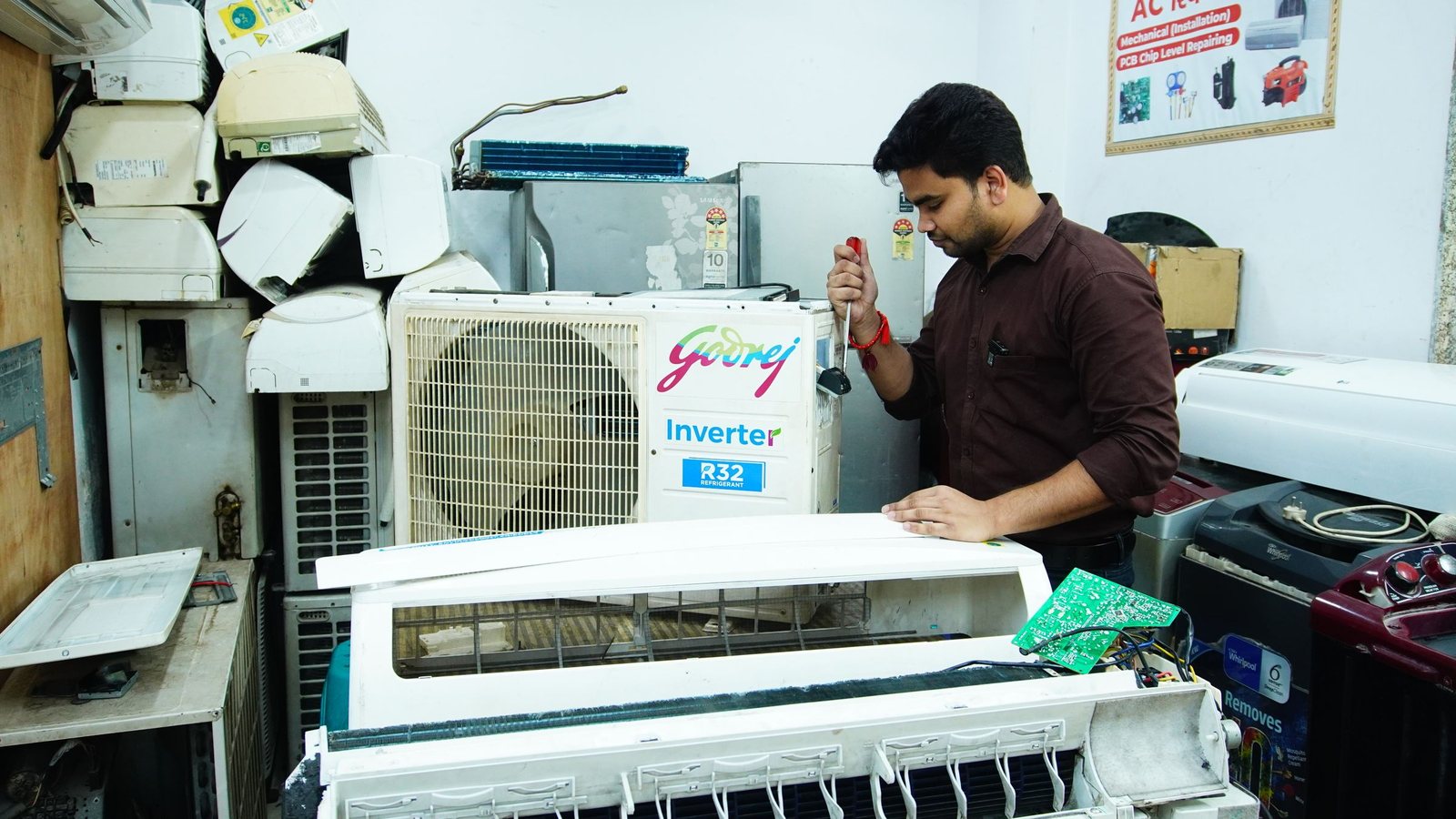
Picture this. It is nine at night and the air conditioner in Ms. Lan's bedroom has started dripping. She calls the service hotline. The staff went home hours ago, so a recorded voice answers: press 1 to book a visit, press 2 for a technician, press 0 to hear the options again. She presses 1, sits through another menu, and hangs up. Tomorrow, maybe.
Now replay the same call with a Speech-to-Speech system on the other end. Ms. Lan simply says, “My AC is leaking, can someone come by tomorrow afternoon?” The voice on the line asks for her address, settles on a time slot and reads her phone number back so she can confirm. No keypad, no hold music. It sounds like a movie, yet underneath it comes down to three very ordinary jobs.
Listen, think, speak: the three jobs of a voicebot
Strip away the packaging and a Speech-to-Speech voicebot does exactly what a call center agent does all day, just without getting tired.
- Listen: turn speech into text (Speech-to-Text). On the s2speech platform this step streams over WebSocket, so words appear while the caller is still talking. It is built to handle Vietnamese mixed with English, numbers, money, dates and a range of regional accents.
- Think: a language model reads what was just said, works out the intent and drafts a reply. Here that model is aivision-L1.0, AIVISION's Vietnamese language model, and it streams its answer instead of waiting to finish the whole paragraph.
- Speak: turn the reply into a voice (Text-to-Speech), natural Vietnamese or English, playing from the very first words.
The word that matters most here is “streaming”. If the three steps queue up and each one waits for the previous one to finish completely, the caller hears a long pause after every sentence. When all three overlap, the answer starts playing while its tail end is still being worked out. That is the moment a phone call starts to feel like talking to a person.
Why a few seconds of silence cost so much
In a chat window, customers will wait. On the phone, they won't. A few seconds of dead air is all it takes for someone to start saying “hello? hello?” and talk over the bot, and from there the call unravels. So when you evaluate a voice AI system, don't only ask whether it answers correctly. Ask whether it answers in time.
Here are a few tests we often suggest running right at the demo, before anyone gets a chance to open the slides:
- Interrupt it mid-sentence. A decent voicebot should stop and listen instead of plowing on like a tape recorder.
- Read out an address with a house number and an alley number, then an amount of money and a specific date. Weak systems usually show their cracks right here.
- Talk like an office worker in Vietnam, dropping English into Vietnamese: “check giùm em cái voucher” (check that voucher for me) or “book lại slot chiều mai” (rebook tomorrow afternoon's slot).
- Switch callers: northern, central and southern accents, fast talkers, people who hesitate a lot.
Reading accuracy numbers with a clear head
AIVISION publishes an average word error rate (WER, lower is better) of 11.84% across four Vietnamese test sets. The breakdown is the part worth reading: 4.58% on FLEURS-vi (read speech), 6.83% on VIVOS, 15.68% on ViMedCSS (medical) and 20.29% on real business meetings. These are internal figures, measured on data that was not used for training.
That 20.29% deserves to be pinned on the wall rather than hidden, because it tells the truth about real life: the messier the audio, the more people talking over each other and the more jargon flying around, the more often a machine mishears. The design lesson is practical. Phone numbers, amounts and appointment dates should always be read back to the caller for confirmation. Never bet on hearing something once.
What to give the voicebot, and what to keep for people
Voicebots shine on repetitive, well-structured calls: booking and rescheduling appointments, checking order status, confirming deliveries, sending reminders, answering frequently asked questions, and covering after-hours lines to log requests. They also make a good receptionist, collecting a few details up front and routing the call to the right person, so your staff don't have to start from scratch.
Some calls, on the other hand, belong with a human. A customer who is upset because the same product broke for the third time. A price negotiation. Anything in finance, insurance or healthcare, where AI should help with lookups and note-taking while people make the decisions. Our view is simple: a good voicebot is not the one that knows everything, it is the one that knows when to hand the call over.
Start small, measure with real calls
The lowest-effort way to try this is to pick one type of call, listen to a few dozen real recordings, and write the script for the moments when callers wander off-script, too. The technology question can wait.
When it is time to choose, there are two roads. You can assemble the three steps yourself through APIs: Speech-to-Text, Text-to-Speech and aivision-L1.0 share one account, one API key and one balance, and according to s2speech.com every account currently gets $10 of free usage per day with no card required. Or you can use the packaged Speech-to-Speech release, which is free to use, runs in real time, can be deployed on-premise on a single GPU with roughly 8 GB of VRAM (RTX 2080 Ti class) and handles 8 concurrent sessions. The full lineup of services is on AIVISION's s2speech product page, and if you would rather just say a few sentences to it, head straight to s2speech.com.
Whichever road you take, let real call data do the talking: how many calls finish without a human, how many get transferred, and at which sentence callers hang up. If Ms. Lan can book a technician in a single call, without having to ring again the next morning, the voicebot has done its job.