Using AI Cameras for Worker Productivity Without Privacy Violations
13/10/2026
Step 1: Defining the Boundary Between Monitoring and Intrusion
At a food processing plant in Binh Duong that I once visited, the issue wasn't whether workers were working fast or slow. It was that the supervisor didn't know who was slacking off, who was stuck in a process bottleneck, and who was facing technical issues. Previously, the solution was to install more cameras and assign someone to watch the screens. The result? Fatigue, missed incidents, and, most importantly, passive resistance from employees who felt they were being "stared at."
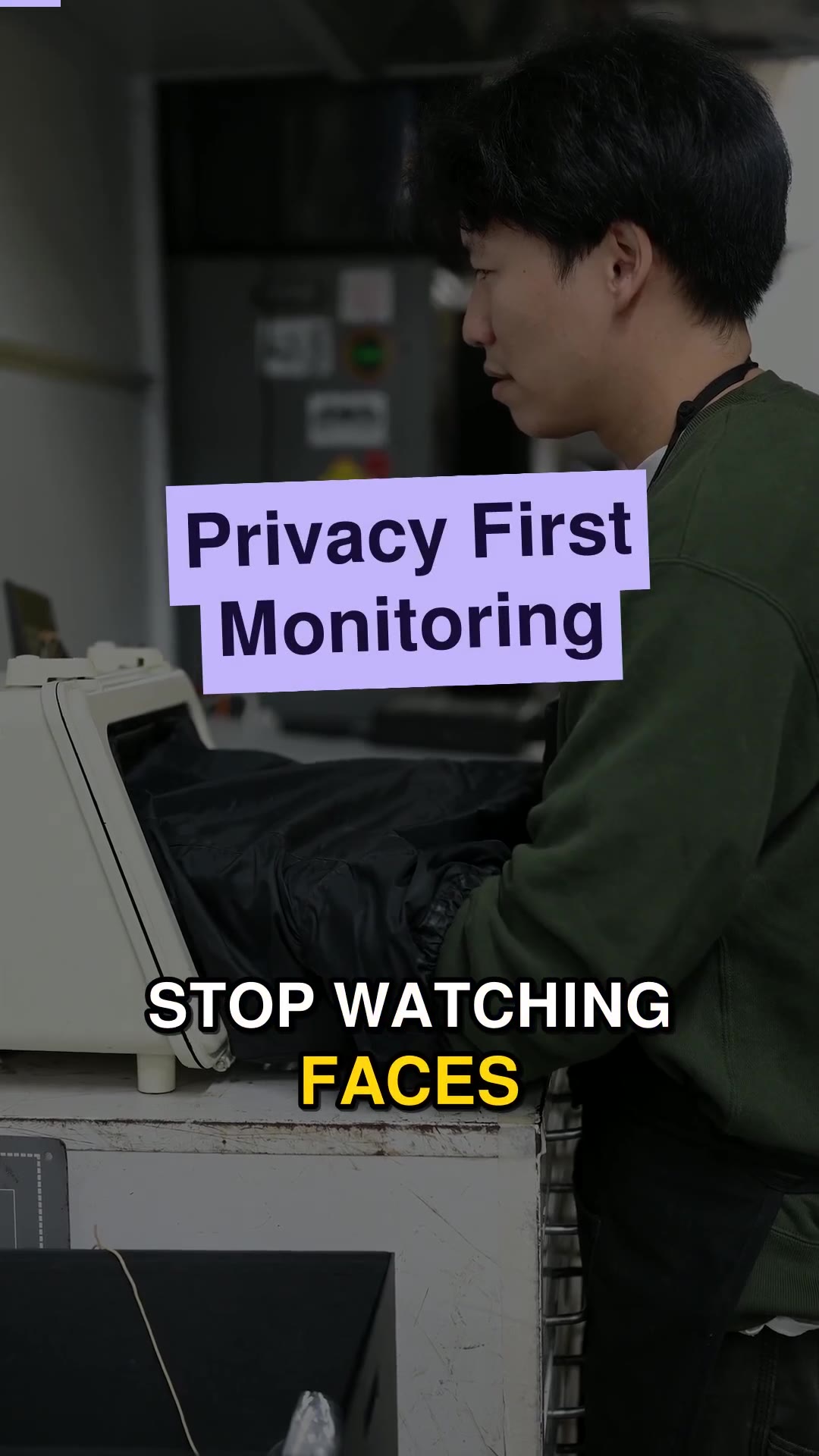
To deploy AI Cameras for productivity purposes, you must start by removing personal identification. This is the key point. You don't need to know the faces of Tuan or Lan. You need to know if there is a person at workstation number 4, if their hands are actively operating, and what the idle time is.
The task at this step is to review the areas requiring monitoring and clearly define: Cameras will only analyze movement and posture, and will absolutely not store facial images. The output of this step is a list of monitoring zones defined by bounding boxes on the frame, where any object appearing is processed as an "anonymous entity." The sign that this step is complete is when you can explain to employees that: "The camera only sees your hands and back, not your face, and that data is not linked to your name."
Step 2: Setting Up Behavior Recognition Logic Instead of Person Recognition
Computer vision in AIV Camera works based on movement analysis. Instead of asking "Who is working?", the system asks "Is this work zone active?". This is a crucial mindset shift from monitoring people to monitoring processes.
You need to configure basic behavioral states. For example: "Operating" (continuous movement in the hand zone), "Standing still" (no significant movement for 30 seconds), or "Absent" (no object in the zone). The required input is raw video data from existing IP cameras. AIV Camera turns these into AI cameras without needing hardware replacement, significantly reducing initial investment costs.
The task is to draw Regions of Interest (ROIs) on the frame. Each zone will be assigned a time threshold to determine its state. The visible output is a real-time data stream displaying the status of each zone: Green (active), Yellow (short break), Red (absent or congested). The sign that this step is done is when you see the system automatically switch color states based on actual movement, without human intervention to confirm.
Step 3: Integrating Instant Alerts for Direct Management
Productivity data is only valuable when it reaches the right person at the right time. Sending end-of-day summary reports is too slow to address issues arising during a work shift. You need real-time alerts.
AIV Camera can send alerts via web, Telegram, or Zalo in under 1 second. This is a major advantage. When a work zone switches to "Absent" status for over 2 minutes, or a line stops due to physical congestion, the system sends a concise notification with a screenshot (blurring facial areas if present) to the management channel.
The task is to configure alert thresholds suitable for the specific job characteristics. For example, in packaging, the allowable dead time is 30 seconds. In complex assembly, it might be 2 minutes. The output is accurately sent alert notifications. The sign that this step is complete is when you simulate a scenario (e.g., placing an obstacle in a work zone) and receive an alert on your phone within seconds, accompanied by clear but privacy-processed evidence images.
Step 4: Analyzing Productivity Trends by Shift and Line
Once you have real-time data, the next step is to see the big picture. Productivity is not just speed, but also stability. You need to compare performance between morning, afternoon, and night shifts. You need to see which line is most frequently congested.
Data from monitoring zones will be aggregated to the dashboard. You can see the average performance charts of each area in a day. For example, you might notice that in the first 15 minutes of the afternoon shift, factory-wide performance drops by about 15% compared to the average. This is a sign that break schedules need to be changed or line speeds adjusted.
The task is to set up periodic reports (daily, weekly) focusing on metrics such as: Average operating time, Dead time ratio, and Congestion hotspots. The output is visualized reports. The sign that this step is done is when the supervisor can open the report and answer the question: "Why is the night shift always 10% slower than the morning shift?" based on objective data, not intuition.
Step 5: Scaling from One Line to the Entire Factory
Successful deployment on one line is the foundation for scaling. However, scaling is not simply installing more cameras. It is standardizing data collection processes and retraining middle management.
You need to ensure that data from different lines has the same format and evaluation criteria. If line A calculates "operation" as 3 hand movements, line B must use the same criterion, unless the nature of the work is completely different. The task is to re-check monitoring zone configurations for new areas and train line managers on how to read alerts, how to respond, and how to avoid negative reactions from workers.
The output is a unified monitoring system for the entire factory. The sign that this step is complete is when you can look at a single screen and see the productivity status of all production, warehouse, and office areas, with detail levels appropriate for each management tier. AIV Camera is currently operating on over 1000 cameras, demonstrating that this flexible scalability has been proven in practice. When the system runs stably, you will realize that AI does not replace humans, but it frees humans from counting numbers and allows them to focus on process improvement.
Ask yourself: If you turned off all behavioral monitoring cameras tomorrow, would you still know exactly your actual productivity, or are you just relying on beautified reported numbers?
There is more here than one article can hold. Keep reading on the AIVISION blog, look at our display scoring solution, or get in touch.