Turn Ordinary Cameras into AI Cameras: Keep the Eyes, Add a Brain
05/10/2026
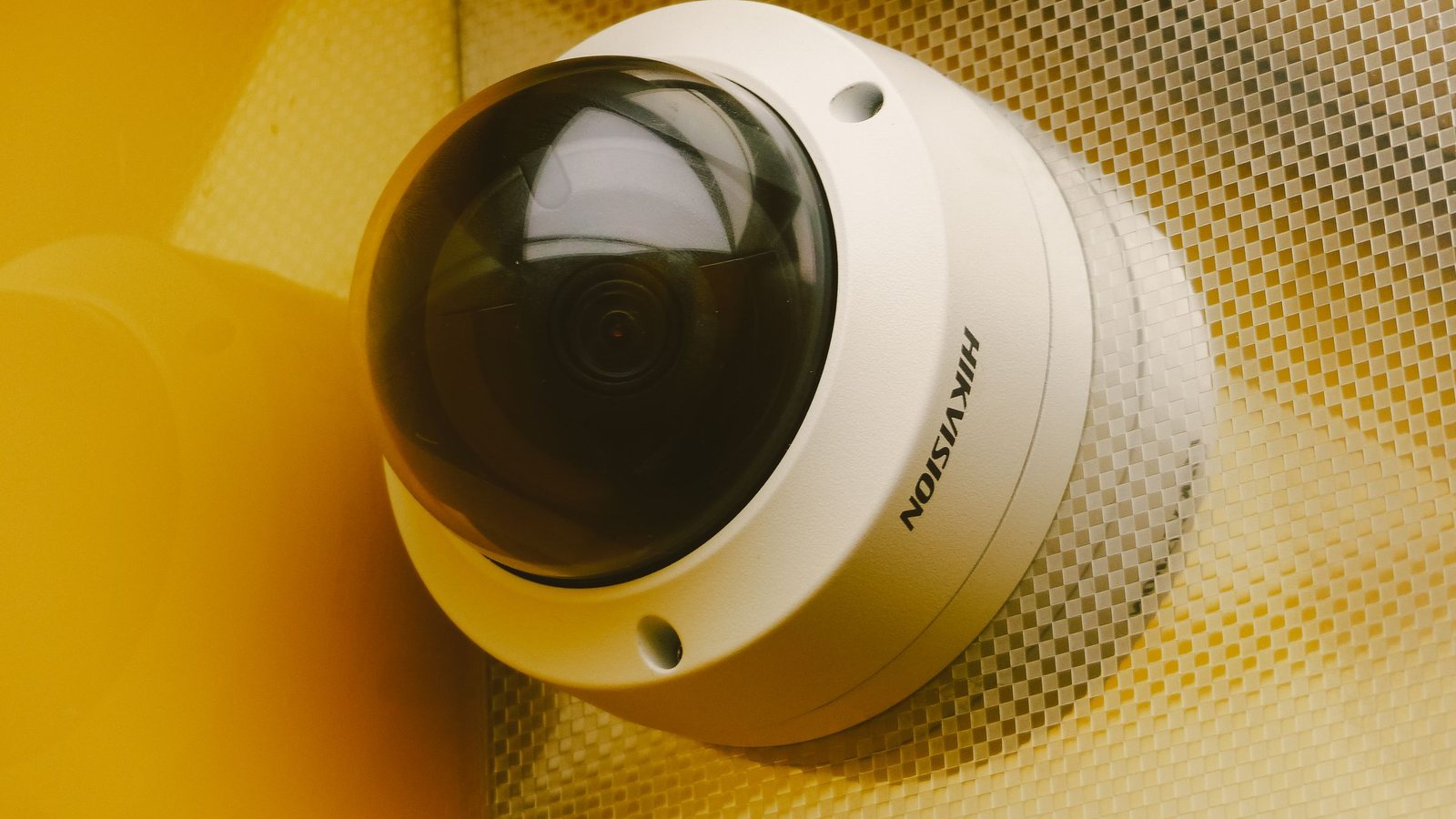
When did anyone at your company last open the camera footage? If the answer is “the day two spools of cable went missing from the warehouse,” you are in good company. Many camera systems live the life of a flight recorder: they roll day and night, fill up hard drives, and only get opened after something has gone wrong. The idea behind efforts to turn ordinary cameras into AI cameras is simple: put those eyes to work while things are happening, instead of waiting for someone to rewind.
The good news: this usually doesn't start with a purchase order for new hardware. The less good news: it isn't plug-and-play either.
The camera doesn't need to be smart. What sits behind it does.
In plenty of factories, the guard room has one monitor split into sixteen tiles. One person, sixteen feeds, one long shift. However dedicated the guard is, they will miss the moment someone cuts across the forklift lane. Human eyes were never built to watch sixteen things at once.
Meanwhile, an ordinary IP camera already does the hard part: it captures video and streams it over the network, usually via RTSP. What it lacks is any understanding of what it sees. Instead of replacing a hundred cameras, let an AI layer read those same streams and pull out events: a person in a restricted zone, a worker without a hard hat, a truck at the gate.
AIV Camera takes exactly this route, in three deployment steps:
- Connect your existing RTSP cameras: works with most IP cameras already installed, no hardware swap.
- Pick AI features and draw zones: configure it right on the camera frame, no coding.
- Receive alerts: on the web, Telegram or Zalo, on desktop and phone.
Step two is where the value is: the people who know the site, not programmers, decide where the AI should look. A warehouse lead knows which forklift lane is dangerous far better than any software engineer.
One camera, many jobs: match the job to the angle
The feature set covers face recognition (attendance, stranger detection), PPE monitoring, zone intrusion alerts, people and vehicle counting, license plate and text OCR, and an AI assistant for asking about camera data. But not every camera suits every job. Picture a factory with three kinds of cameras:
- The entrance camera: at face height, looking straight at people walking in, it suits face-recognition attendance; mounted high and pointing down, it is better at counting people in and out.
- The wide-angle shop-floor camera: good for spotting missing hard hats and hi-vis vests, and for drawing restricted zones around machinery.
- The vehicle gate camera: with a clear view of each vehicle's front, it can read plates and count vehicles per gate.
So don't ask “can this camera do AI?” Ask “what is this camera actually seeing, and is that worth having an AI watch?”
Five questions to answer before you connect anything
- Can the camera output an RTSP stream? Most IP cameras can. With old analog systems, check with the deployment team before you promise anything to your boss.
- Does the angle serve the job? A camera pointed at the ceiling or into the sun will not get smarter thanks to software. Often you only need a new angle, not a new unit.
- Can the local network handle it? Many streams running nonstop eat bandwidth, so talk to IT early.
- Who receives alerts, and what do they do next? An alert nobody handles is just noise.
- How will you measure success? Fewer incidents, fewer hours spent rewinding footage or more complete safety reports. Pick one and record where you stand before switching the AI on.
The numbers on the website and the numbers at your site
According to figures published on aivcamera.com, the system delivers 99% accuracy, alert latency under one second, 24/7 monitoring, and more than 1,000 cameras already running. In the field, though, accuracy also depends heavily on what the camera sees: night-shift lighting, dust, distance to the subject. If a camera records a blurry image, the AI sees a blurry image too.
That is why my favorite rollout starts small. Pick one area with a real problem, turn on one or two features, run it for a few weeks, then sit down with the operators and review the alerts: which were right, which were noise, which cameras need a new angle. Only then scale up. The feature list and the solutions for factories, warehouses, retail and offices are on the AIV Camera product page, worth reading before you meet the deployment team.
When you really do need new cameras
To be fair, you can't always keep the old gear. Cameras with no RTSP stream, resolution too low to make out faces or plates, or units mounted in the wrong place with no way to move them: these cases call for some investment. The difference is that you will replace hardware deliberately, in the few spots that need it, rather than swapping out the whole system because a quote said “AI camera.”
One more thing worth saying plainly: AI keeps the eyes alert for the entire shift, but people still make the decisions. An alert that someone entered a restricted zone at midnight needs a guard with a flashlight to go and check, not a machine handing down a verdict. Keep those roles straight and your old cameras become far more useful than the flight recorder they are today.