AI Warehouse Security Camera Checklist for After-Hours Monitoring
25/10/2026
The Hidden Costs of the Old Approach
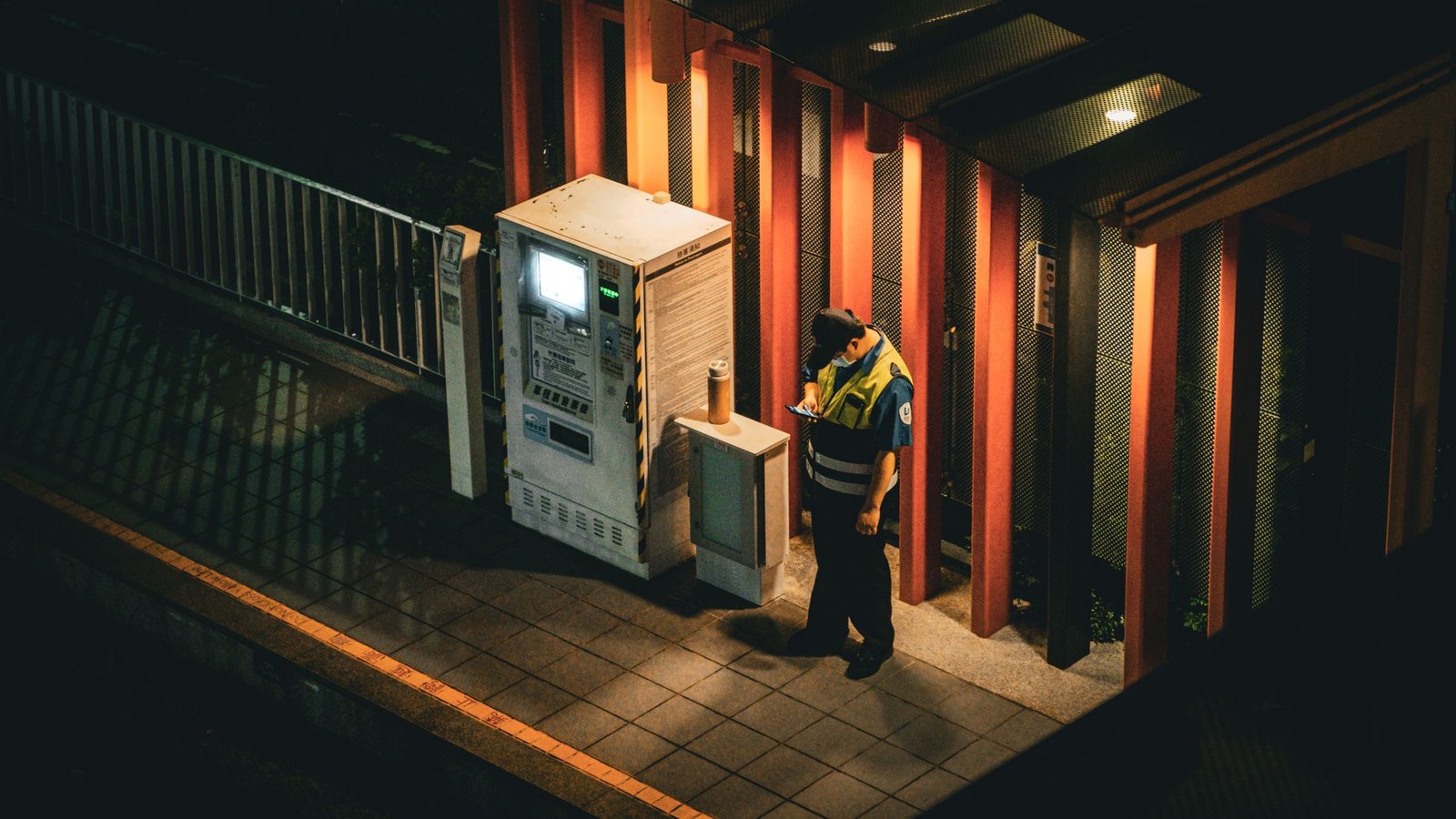
In the past, monitoring warehouses after hours typically meant installing standard cameras and assigning night-shift staff to watch the screens. While this sounds simple, the hidden costs are the real problem. Humans cannot maintain focus for eight consecutive hours. After about 20 minutes, attention levels drop significantly. The result is that critical moments are missed, or false alarms are triggered when staff overreact to minor movements. When you add the costs of night-shift personnel, human error, and the time spent handling incidents after a loss occurs, the total expense is often double that of investing in an automated system.
How AI Cameras Work in Practice
Unlike standard cameras that only record footage, AI cameras use computer vision to understand video content in real time. Instead of waiting to review footage, the system analyzes each frame to identify objects and behaviors. With AIV Camera, this means turning your existing IP cameras into intelligent AI cameras without replacing any hardware. The system detects faces, counts people and vehicles, and, most importantly, identifies abnormal behaviors such as intrusions into restricted zones or safety protocol violations. Alerts are sent instantly via Telegram, Zalo, or the web, enabling your team to react promptly rather than finding out after the incident has already occurred.
Pre-Deployment Checklist
To ensure your AI monitoring system is truly effective, here are the key items you need to review carefully before turning the cameras on:
- Clearly define restricted zones and behaviors that trigger alerts. This is the foundation of any algorithm. If you do not clearly define what constitutes a "restricted zone intrusion"—which area, at what time—the system will not know how to respond. A warehouse may have multiple hazardous areas, each requiring its own specific logic.
- Assess image quality and camera angles. An AI camera is only as good as its input data. If the camera angle is obstructed, night lighting is poor, or the resolution is low, the ability to recognize faces or license plates will decrease. Re-evaluate your camera placement to ensure the clearest possible view.
- Configure alert thresholds to reduce noise. This is the most critical step to avoid "alert fatigue." If the system alarms every time a cat runs by or a shadow passes, staff will ignore genuine warnings. You need to set filters so that alerts are only triggered when an object lingers beyond an allowed time or enters a specific red zone.
- Connect alerts to response workflows. An alert is only valuable if someone acts on it. You must clearly define who receives the message, through which channel (Zalo, Telegram), and what they must do within the first 30 seconds. A clear response process turns data into action.
- Measure accuracy and latency. According to aivcamera.com, accuracy reaches 99% with alerts under 1 second. However, in your specific warehouse deployment, these figures need to be verified. Track the ratio of true alerts to false positives during the first few weeks to fine-tune the system.
Measuring Effectiveness and Using It in Meetings
Deploying AI cameras is not a "set it and forget it" task. You need to measure effectiveness using specific metrics: the number of abnormal events detected, the average response time, and the false alarm rate. These numbers will serve as the basis for adjusting your system. In a warehouse security meeting, instead of arguing about subjective feelings, put the checklist above on the screen. Ask each department to confirm which items they have completed and what is still missing. Data transparency helps everyone focus on solutions rather than blame. This is how you transform technology from a passive device into an active partner in protecting your business assets.
Have you ever wondered, if an incident occurred right now, how long it would take your system to detect it, and who would be the first to receive the alert?
AIVISION builds computer vision, Agentic AI and custom AI software for manufacturers and retailers. Browse our services, try the AI assistant, or send us your problem.